10 Best Productivity Tools for College Students in 2026



A practical guide for college students
College life in 2026 is more digital than ever. From managing assignments and taking notes to researching projects and preparing presentations, students have access to hundreds of tools designed to make academic life easier.
But using more apps does not necessarily mean becoming more productive. The real challenge is finding tools that actually save time, improve learning and keep college work organised.
In this guide, we’ll look at 10 of the best productivity tools for college students in 2026, including AI assistants, research tools, writing apps, presentation platforms and study tools.
10 productivity tools every college student should know in 2026, along with practical ways to use them
| Tool | Best For | Main Benefit |
|---|---|---|
| NotebookLM | Study & Research | Understand your own study material |
| Grammarly | Writing | Improve clarity and grammar |
| Perplexity | Research | Find information and sources faster |
| Notion | Organisation | Manage notes and assignments |
| Canva | Design | Create visual academic content |
| Gamma | Presentations | Build presentations faster |
| Zotero | Research | Manage citations and references |
| ChatGPT | Learning | Explain, brainstorm and practise |
| Google Colab | Coding | Learn Python and analyse data |
| Quizlet | Revision | Practise active recall |
1. NotebookLM — Turn Your Study Material into an AI Learning Companion
Imagine uploading your lecture notes, PDFs, articles and study material and then being able to ask questions specifically about those documents. That is what makes Google NotebookLM particularly useful for students.Instead of searching through a long PDF every time you need information, you can add your study sources to NotebookLM and use them to explore the subject. It can help identify important concepts, summarise material and generate useful study resources from the sources you provide.This makes it particularly helpful during examination preparation. A student dealing with several lengthy readings can use NotebookLM to understand how different sources relate to one another and identify areas that deserve more attention.Its source-grounded approach also makes it different from simply asking a general-purpose AI a question. Students can work much more closely with the material provided by their teachers.

2. Perplexity — Research Faster Without Losing the Sources
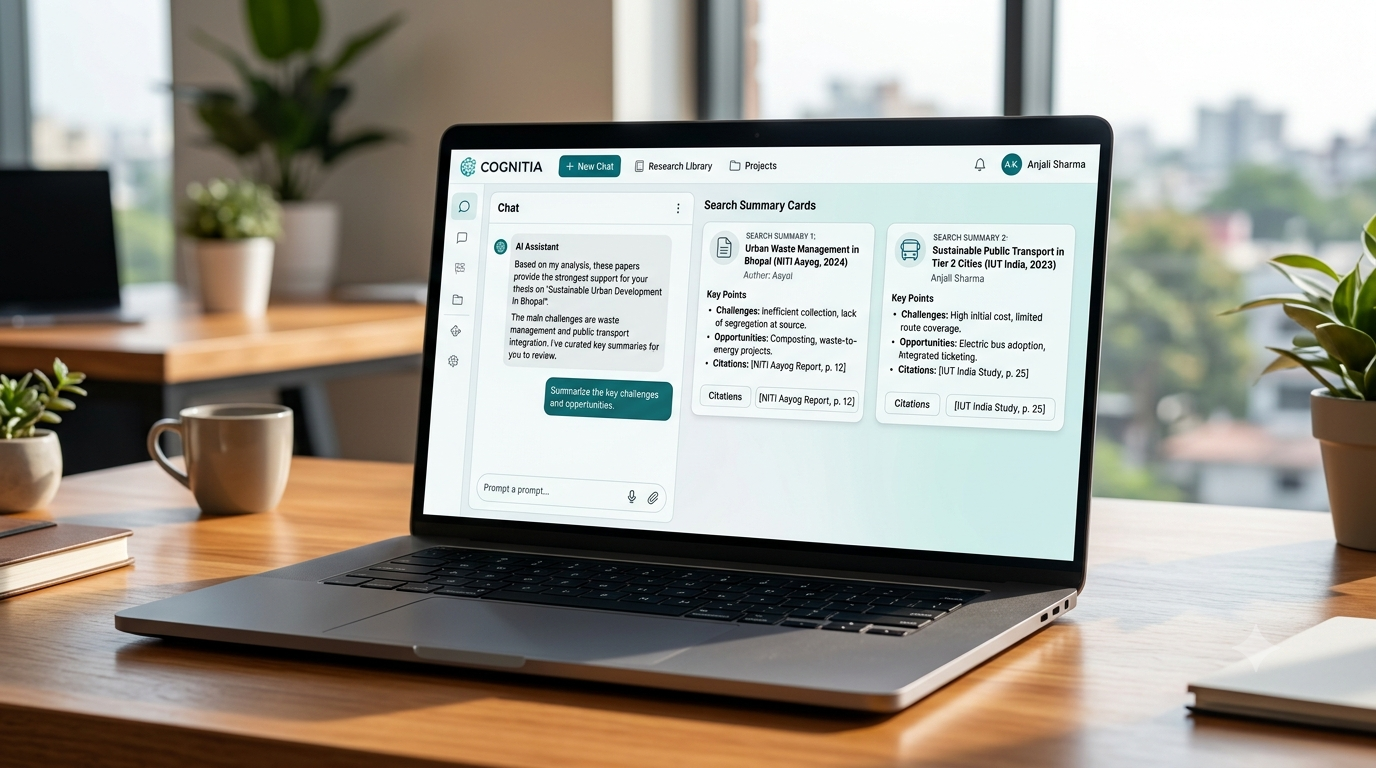
Traditional internet research often means opening ten browser tabs and trying to determine which website contains trustworthy information. Perplexity can make the beginning of that research process considerably faster.Students can ask a research question in natural language and receive an organised response that points them toward supporting sources. This is particularly useful when researching current topics for assignments, presentations, debates and projects.For example, instead of searching separately for “impact of artificial intelligence on employment,” a student can ask a more specific question and use the sources provided to continue deeper research.The important rule is simple: don’t stop at the AI-generated summary. Open the original sources, check the information and use credible academic or institutional material wherever possible.Used properly, Perplexity can reduce the time spent searching while helping students develop a more structured research process.
3. Grammarly — Make Your Writing Clearer and More Professional
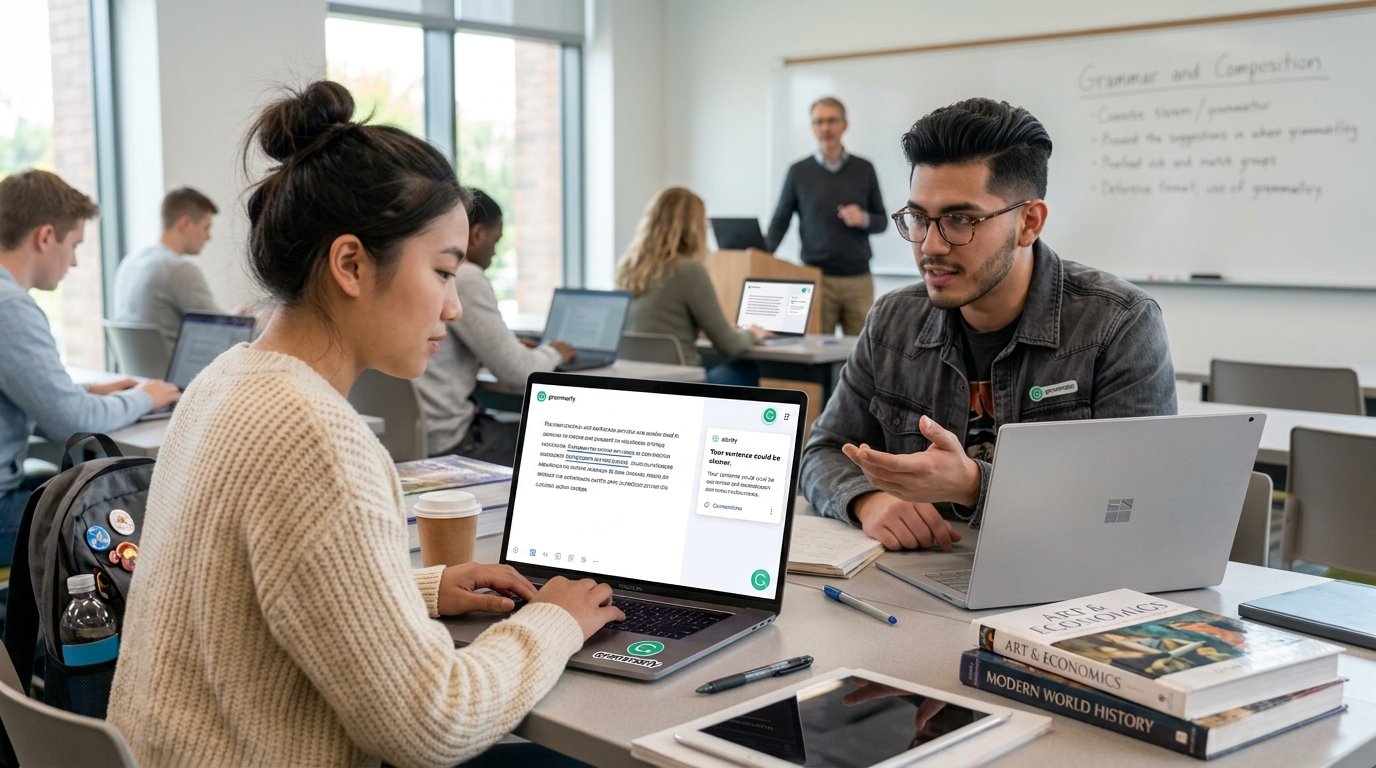
A good idea can lose its impact when it is hidden behind confusing sentences, grammatical mistakes or poor punctuation. Grammarly helps students identify many of these problems while they write.It can be particularly useful for assignments, reports, emails, applications, CVs and other academic or professional communication. Rather than checking only spelling, Grammarly can suggest improvements related to grammar, clarity, sentence structure and tone.For students who are not completely confident about their English writing, the tool can also become a learning opportunity. Instead of automatically accepting every suggestion, students should look at why a correction has been recommended. Over time, this can help them recognise recurring mistakes in their own writing.No writing assistant can replace careful proofreading or subject knowledge, but Grammarly can provide a valuable final layer of checking before important work is submitted.

4. Notion — Organise Your Entire College Life in One Place
Assignments in one notebook, deadlines in a WhatsApp message, notes somewhere on the laptop and examination dates saved as screenshots—this kind of scattered organisation wastes more time than students realise.Notion can bring much of this information into one organised workspace.Students can create pages for different subjects, maintain assignment trackers, organise class notes, build reading lists, record deadlines and plan weekly study goals. A simple dashboard can show what needs to be completed today, this week and later in the semester.The key is not to build an unnecessarily complicated productivity system. A basic setup containing subjects, assignments, deadlines and notes is often enough.Used consistently, Notion can become a student’s personal academic headquarters and reduce the mental effort required to remember dozens of small tasks.
5. Canva — Create Professional-Looking Academic Content
Good communication is not limited to writing. College students increasingly need to communicate ideas visually through presentations, posters, infographics, resumes and project reports.Canva makes visual design accessible even to students who have never studied graphic design. Its templates provide a starting point for creating polished academic and professional material without having to design everything from scratch.Students can use Canva for seminar presentations, college events, certificates, posters, social-media content, CVs and infographics. It is particularly useful for transforming information-heavy material into something easier for an audience to understand.The goal, however, should not be to fill every slide with decorative elements. Strong visual communication is usually simple: clear headings, limited text, readable typography and visuals that actually support the information.

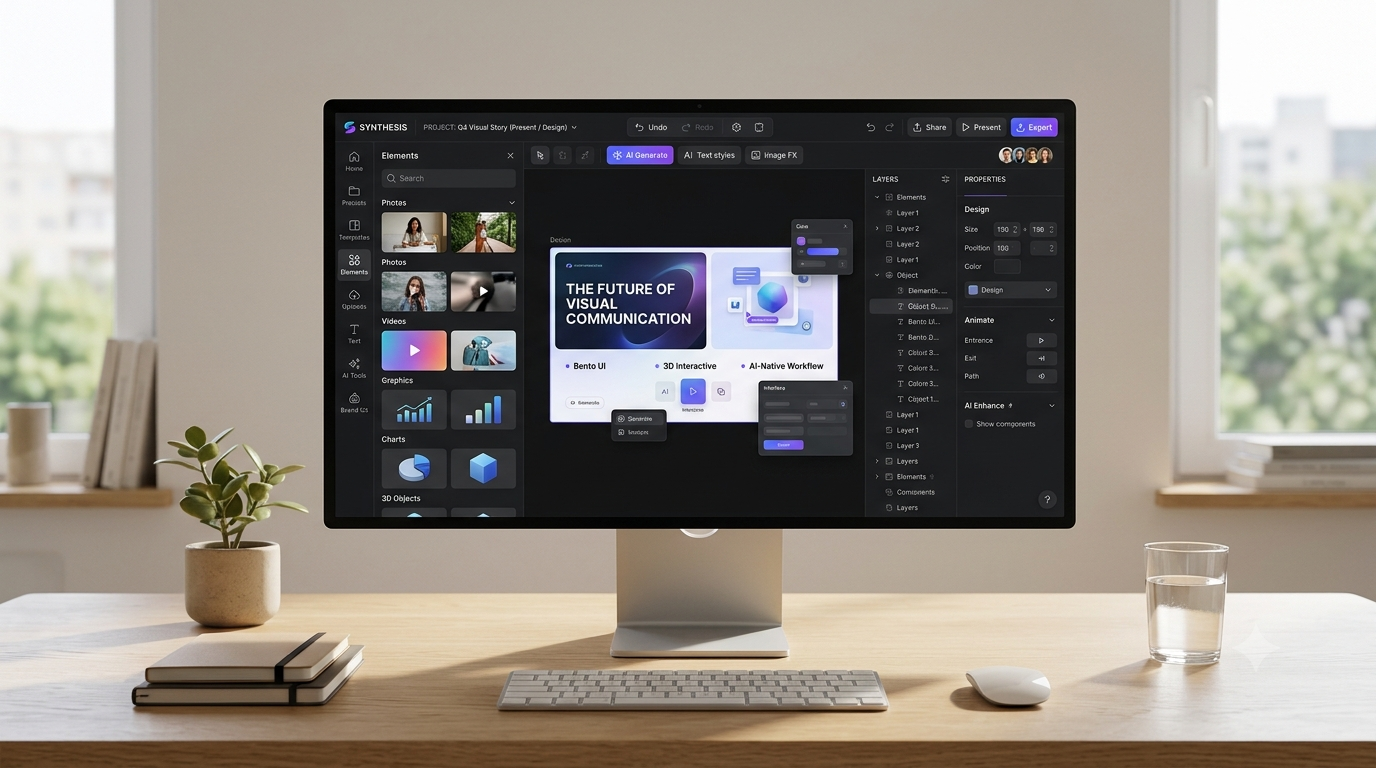
6. Zotero — A Powerful Research Assistant for Serious Academic Work
Once students begin writing research papers, dissertations or major projects, managing sources can quickly become frustrating. Articles get downloaded into random folders, useful websites disappear from browser history and creating references manually takes valuable time.Zotero is designed to solve this problem.It helps students collect, organise and manage research sources in a structured library. Sources can be grouped according to subjects or projects, making it much easier to return to material later. Zotero is also particularly valuable when students need to create citations and bibliographies in academic writing.This may not seem as exciting as generative AI, but for students doing serious research, it can save enormous amounts of time and prevent last-minute referencing chaos.Learning reference management early in college also develops a habit that becomes increasingly valuable during postgraduate study and research.
7. Google Colab — Learn Python and Work with Data Without Complicated Setup
Students interested in programming, data analysis, artificial intelligence or technology should become familiar with Google Colab.Colab allows users to write and run Python code through a web browser, reducing the need for complicated software installation when getting started. This makes it particularly convenient for beginners who want to practise Python or experiment with data.Students can create notebooks containing both code and explanatory text, which makes Colab useful not only for programming practice but also for assignments and small data projects.When combined responsibly with an AI assistant, it can become an effective learning environment: write a program, run it, examine the error and ask AI to explain why the error occurred rather than simply asking AI to provide the finished answer.That difference turns AI from a shortcut into a teacher.

8. ChatGPT — Your AI Study and Productivity Assistant
ChatGPT has become much more than a tool for simply asking questions. For college students, it can work as a personal study assistant available whenever they need help understanding a topic.Students can ask ChatGPT to explain a complicated concept in simpler language, provide examples, create practice questions, prepare revision notes, brainstorm ideas for projects or help them understand errors in computer code. It can also help with planning assignments, preparing for interviews and improving communication.The real advantage comes from learning how to ask good questions. Instead of saying, “Explain economics,” a student might say, “Explain inflation to a first-year college student using three everyday examples and then give me five questions to test my understanding.”However, AI-generated information can sometimes be incorrect. Students should therefore use ChatGPT as a learning partner rather than treating every answer as an unquestionable source.
9. Quizlet — Make Revision More Active
Reading the same notes repeatedly can create the feeling that you know a topic without actually testing whether you can recall it. Quizlet helps turn revision into a more active process.Students can organise important terms, definitions, concepts and questions into study sets and use them for repeated practice. This is especially helpful for subjects involving terminology, vocabulary, formulas, dates, definitions or large amounts of factual information.A practical approach is to create a Quizlet set after completing each chapter rather than waiting until examinations begin. By the end of the semester, the student already has organised revision material available.The biggest productivity benefit is that short periods of free time can become useful revision sessions. Ten minutes between classes can be used for practice instead of scrolling through pages of notes.